
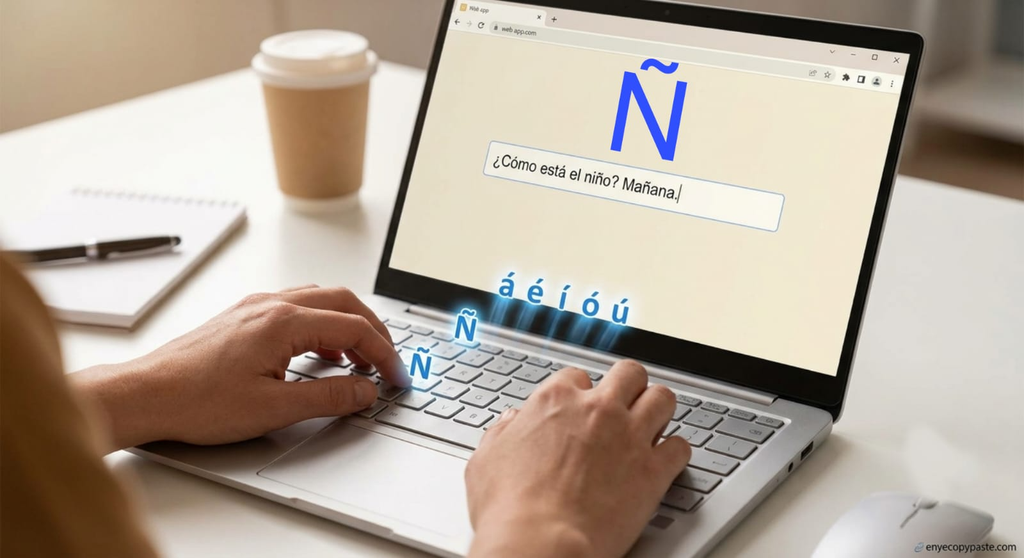
Want to type Spanish characters like Ñ, ñ, á, é, í, ó, ú, ¿, or ¡ without completely reconfiguring your system settings? Handling non-ASCII glyphs on standard English QWERTY keyboards is a common friction point for content editors, web developers, and technical writers. When inputting text into modern content management systems, web applications, or databases, relying on complex OS-level language toggles or memorizing three-digit Alt codes often slows down daily productivity. Instead of constantly switching keyboard layouts or running background scripts, using simple browser utilities like Enye Copy Paste provides a quick, zero-setup way to grab precise Spanish symbols for direct insertion into active projects.
Understanding the mechanics behind character representation, input methods, and string encoding ensures your text displays cleanly across front-end web apps, backend databases, and API payloads without breaking layout design or corrupting text output.
Why Standard Keyboards Struggle with Spanish Accents
Physical keyboards produced for English-speaking markets follow the ANSI or standard US-QWERTY layout. These hardware layouts are engineered exclusively around basic Latin alphanumeric keys, meaning non-English diacritical marks and inverted punctuation marks are simply not printed on the physical keycaps.
When working with Spanish text, writers and software engineers generally hit three technical bottlenecks:
· Workflow Friction: Changing OS-level input methods (for example, switching from US English to Spanish International) dynamically remaps your physical keyboard. This layout shift alters key bindings for vital punctuation marks like brackets, semicolons, and quotation marks, frustrating quick typing routines.
· Shortcut Overhead: Reliance on numeric Alt codes (such as Alt + 165 for Ñ or Alt + 164 for ñ) requires a dedicated hardware numeric keypad. Slim modern laptops and compact keycaps omit numeric pads entirely, making Alt codes impractical on mobile setups.
· String Misinterpretation: Copying raw text from unverified documents or legacy desktop applications into web input forms can introduce unexpected string formatting issues if the web application lacks built-in dynamic Unicode parsing.
Methods for Inserting Spanish Characters into Web Applications
Depending on whether you manage a blog inside a Content Management System (CMS), build interactive web forms, or code custom front-end interfaces, several distinct methods exist for inserting Spanish symbols correctly.
1. Direct Unicode Copy-Pasting (Best for Writers & Editors)
For digital creators, copywriters, and CMS administrators, direct copy-pasting is by far the fastest solution. Modern web browsers and form input fields process standard UTF-8 text strings automatically. By relying on dedicated micro-utility sites like enyecopypaste.com, users can grab uppercase and lowercase Spanish accents, inverted question marks, and tildes on demand without installing heavy software or browser extensions.
2. Native OS Keyboard Combinations
If you prefer using built-in system shortcuts on your existing physical keyboard, both macOS and Windows support native key combinations:
· macOS Option Key Combos: Hold Option + e, release, and then type the target vowel (for instance, press a to produce á). To create the enye character, hold Option + n, release, and press n again to output ñ.
· Windows Alt Codes: Hold down the Alt key while typing the corresponding numeric sequence on a physical numeric keypad:
· Alt + 0241 for ñ
· Alt + 0209 for Ñ
· Alt + 0191 for ¿
· Alt + 0161 for ¡
3. HTML Entity References (For Frontend Developers)
When hardcoding static Spanish strings directly into raw HTML template files, relying solely on direct keyboard characters can occasionally trigger rendering bugs if the server environment defaults to legacy ASCII character sets. HTML entity codes serve as an absolute fallback:
· Capital Ñ: Ñ or Ñ
· Lowercase ñ: ñ or ñ
· Inverted Question Mark (¿): ¿ or ¿
· Inverted Exclamation Mark (¡): ¡ or ¡
· Accented e (é): é or é
Using HTML entities forces browser rendering engines to display the exact intended character regardless of document headers.
Best Practices for Developer Encoding & Database Management
Text corruption—often called mojibake, where valid characters like ñ mutate into unreadable symbols like ñ—occurs when character encoding mismatches happen between the front-end browser, application logic, and backend database storage.
Explicit UTF-8 HTML Meta Tags
Always verify that your web pages explicitly declare the UTF-8 character encoding set inside the document <head>. This informs the browser parsing engine how to decode incoming text strings correctly:
<meta charset=”UTF-8″>
Database Table Collation & Server Setup
When storing user-submitted Spanish input through application forms, verify that your backend database tables use full UTF-8 encoding. In MySQL or MariaDB environments, configure database tables using utf8mb4 character set encoding paired with utf8mb4_unicode_ci collation. This configuration prevents special characters, tildes, or accents from being truncated or replaced during SQL write queries.
API Response Payload Headers
When passing localized string payloads through RESTful APIs or JSON microservices, verify that your application server specifies UTF-8 encoding inside header responses. While modern development stacks (such as Node.js, Python, or PHP 8+) handle UTF-8 natively, sending an explicit header (Content-Type: application/json; charset=utf-8) prevents unexpected character escaping across distributed software systems.
Summary
Handling Spanish special characters accurately is essential for clear communication, professional web development, and maintaining user experience. Whether you leverage HTML entities within UI codebase architectures or utilize fast web-based tools to copy symbols into daily content workflows, adopting standard UTF-8 practices keeps your text clean, readable, and functional across all digital platforms.